
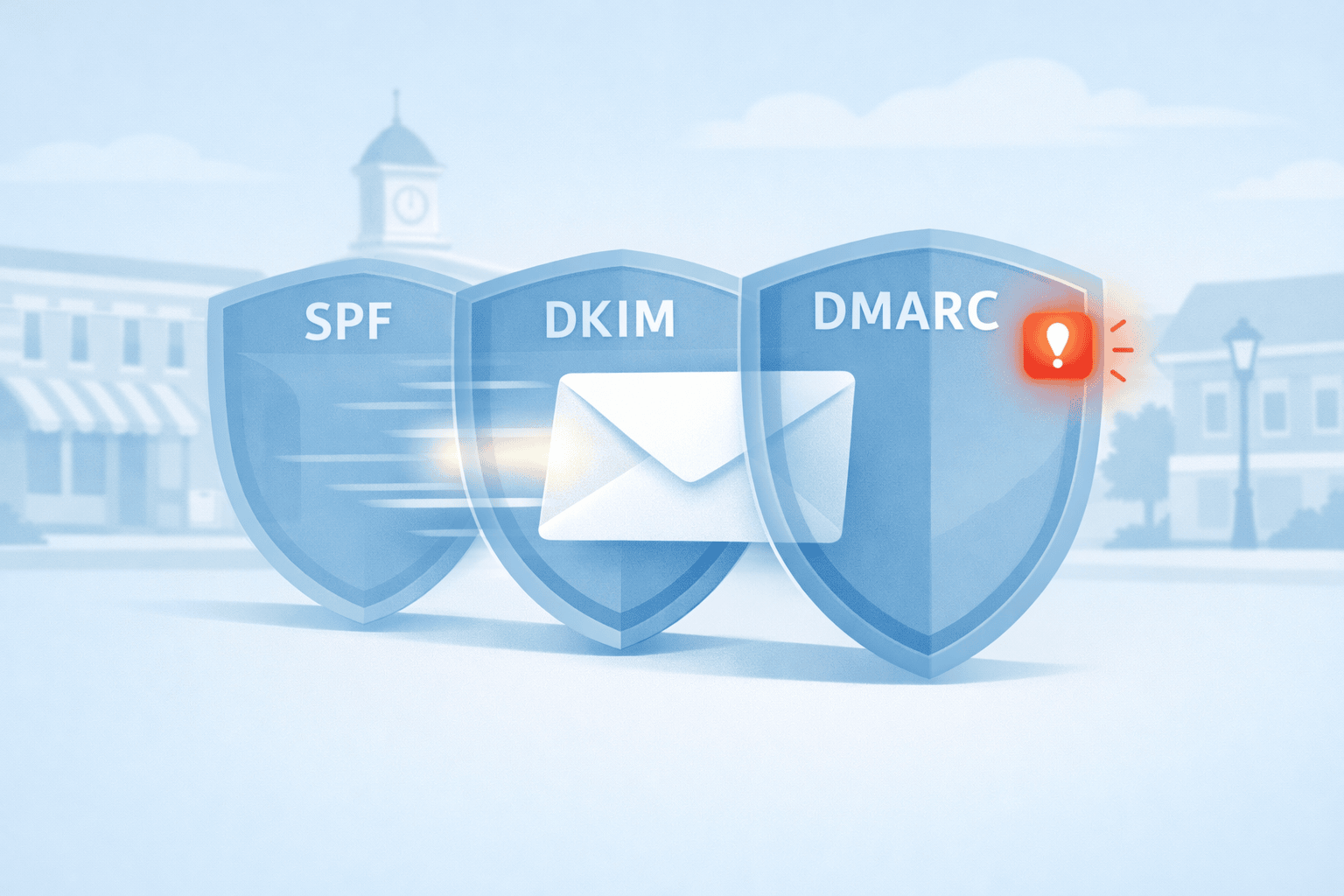
Why Gmail Sometimes Shows a Red Warning Banner
A Real-World Email Authentication Fix for the Bloomington Chamber
Email feels simple when it works. You write a message, hit send, and it arrives in someone’s inbox a moment later.
But behind the scenes, email relies on a system of verification checks. These checks protect people from phishing, spam, and impersonation. When everything is configured correctly, recipients never notice them.
When something is misconfigured, even a legitimate message can look suspicious.
That’s exactly what happened in February 2026 when an email from the Bloomington Chamber of Commerce arrived in my inbox with a large red warning banner from Gmail. The message was completely legitimate — it came from Chamber CEO Eric Spoonmore — but Gmail was telling recipients something was wrong.
This kind of warning can quietly damage an organization’s credibility. Members who see a security alert on official communications may hesitate to open the message or click any links inside it.
Fortunately, it turned out to be a technical authentication issue — diagnosable and fixable. What follows is how we worked through it.
The Red Banner: What It Actually Means

On February 20, 2026, Gmail flagged an incoming Chamber message as potentially suspicious, despite the sender being a known, trusted contact.
This warning appears when Gmail cannot verify that the domain in the “From” address is properly authenticated. It doesn’t mean the message is a scam — it means the technical records behind the sender’s domain don’t line up the way Gmail expects.
Rather than assuming the message was the problem, I looked at the email headers — the full authentication record of how the message traveled and was verified across the internet. Those headers pointed to three systems: SPF, DKIM, and DMARC.
How Email Authentication Works
Three DNS-based records work together to authenticate email. Here’s what each one does and the question it’s designed to answer.
| Record | What It Does | The Question It Answers |
|---|---|---|
| SPF | Lists which servers are authorized to send email for your domain | Is this server allowed to send for this domain? |
| DKIM | Adds a cryptographic signature so recipients can verify message integrity | Was this message signed by the domain it claims to come from? |
| DMARC | Checks whether SPF and DKIM results align with the visible “From” domain | Do the authenticated domains match what the recipient actually sees? |
The critical concept is alignment. SPF and DKIM can both pass their individual checks and DMARC can still fail — if the domains used for authentication don’t match the domain shown to the recipient. That mismatch is exactly what modern email systems look for when detecting spoofed or impersonated messages.
Diagnosing the Problem
When I reviewed the Chamber email’s headers, the results told a clear story.
Both SPF and DKIM were passing. At first glance, that looks fine. But DMARC was failing — and the reason was a domain alignment issue.
The Chamber sends communications through MemberClicks Trade, a membership platform operated by WebLink International. WebLink’s infrastructure was signing outgoing messages using weblinkinternational.com — not chamberbloomington.org, which is the domain shown to recipients.
From Gmail’s perspective, the message was technically authenticated but not aligned with the visible sender. That’s the pattern modern email systems flag when looking for impersonated messages — even when the sender is completely legitimate.
Why This Happens to Many Organizations
This is a common problem for nonprofits, associations, and small businesses that rely on third-party platforms to send email — membership systems, event tools, newsletters, CRMs, or marketing platforms like Mailchimp, Constant Contact, HubSpot, or MemberClicks.
These services send through their own infrastructure. If domain authentication isn’t specifically configured, the platform signs messages using its own domain rather than yours. The email passes individual authentication checks but fails DMARC alignment — and recipients may see a warning or never receive the message at all.
Working Through the Fix
After diagnosing the issue, I forwarded the header analysis to Kaytee Lorentzen at the Chamber. On March 2, we submitted a detailed support ticket to MemberClicks Trade — including the full header analysis, current DNS records, and a clear description of the alignment failure.
Well-structured tickets matter when working with technical vendors. Clear diagnostics often lead to faster, more accurate responses. In this case, the MemberClicks team responded within a few days.
On March 5, support engineer Brandon Frey provided the required DNS changes: three CNAME records to enable DKIM signing through SendGrid under the Chamber’s own domain, and the specific SPF include for WebLink’s relay infrastructure.
On March 6, I met with Kaytee and her team at the Chamber to implement the changes hands-on. During that session we:
- Added the three DKIM CNAME records to the Chamber’s DNS
- Updated the SPF record to authorize both Outlook and WebLink’s relay servers
- Configured a DMARC record set to monitoring mode (
p=none), with aggregate reports directed to the Chamber’s main inbox - Sent a follow-up to MemberClicks requesting activation of DKIM signing
Starting DMARC in monitoring mode is intentional best practice. Before enforcing strict rejection policies, it’s important to collect reports and confirm that all legitimate sending systems are authenticating correctly. Jumping straight to enforcement can block real email.
On March 9, MemberClicks confirmed the records had propagated correctly and DKIM signing was active.
What Changed
| Record | Before | After |
|---|---|---|
| SPF | Outlook only | Outlook + WebLink relay |
| DKIM | Signed as weblinkinternational.com | Signed as chamberbloomington.org via SendGrid CNAMEs |
| DMARC | No useful reporting | p=none with aggregate reports to Chamber inbox |
Emails sent through MemberClicks should now authenticate correctly across modern email systems, including Gmail. The red warning banner is gone.
Is Your Organization at Risk?
If your organization sends email through any third-party platform, it’s worth confirming that your domain authentication is properly configured. Your domain should have all three components working together — an SPF record that authorizes every system that sends on your behalf, DKIM signing tied to your own domain, and a DMARC record that monitors results and defines how failures are handled.
Most platforms provide documentation for this. The exact configuration depends on your DNS provider and the services you use — and the details matter.
If you’re not sure whether your email is properly authenticated, or if you’ve seen deliverability issues you can’t explain, I’m happy to take a look. Schedule a conversation here.
Quiet Infrastructure Work
This project didn’t involve a new website, a redesign, or a marketing campaign. It involved reading email headers, coordinating with a vendor, updating DNS records, and verifying the results.
That’s the kind of work that rarely gets noticed — until something breaks. When email authentication fails, even a trusted organization’s communications can look like a threat.
Getting it right restores something simple but important: the confidence that the message you’re reading really came from the organization that sent it.